

Paul’s Perspective:
Most teams don’t lose time because they lack tools; they lose time because their information is organized around storage locations, departments, or file types instead of work outcomes. PARA is useful because it forces a shared mental model that maps directly to execution.
For leaders, the tradeoff is discipline over novelty: the system is simple, but only works if everyone uses the same structure and treats archiving as a normal part of finishing work. The upside is faster onboarding, fewer “where is the latest version?” interruptions, and clearer accountability for what’s active versus merely interesting.
Key Points in Article:
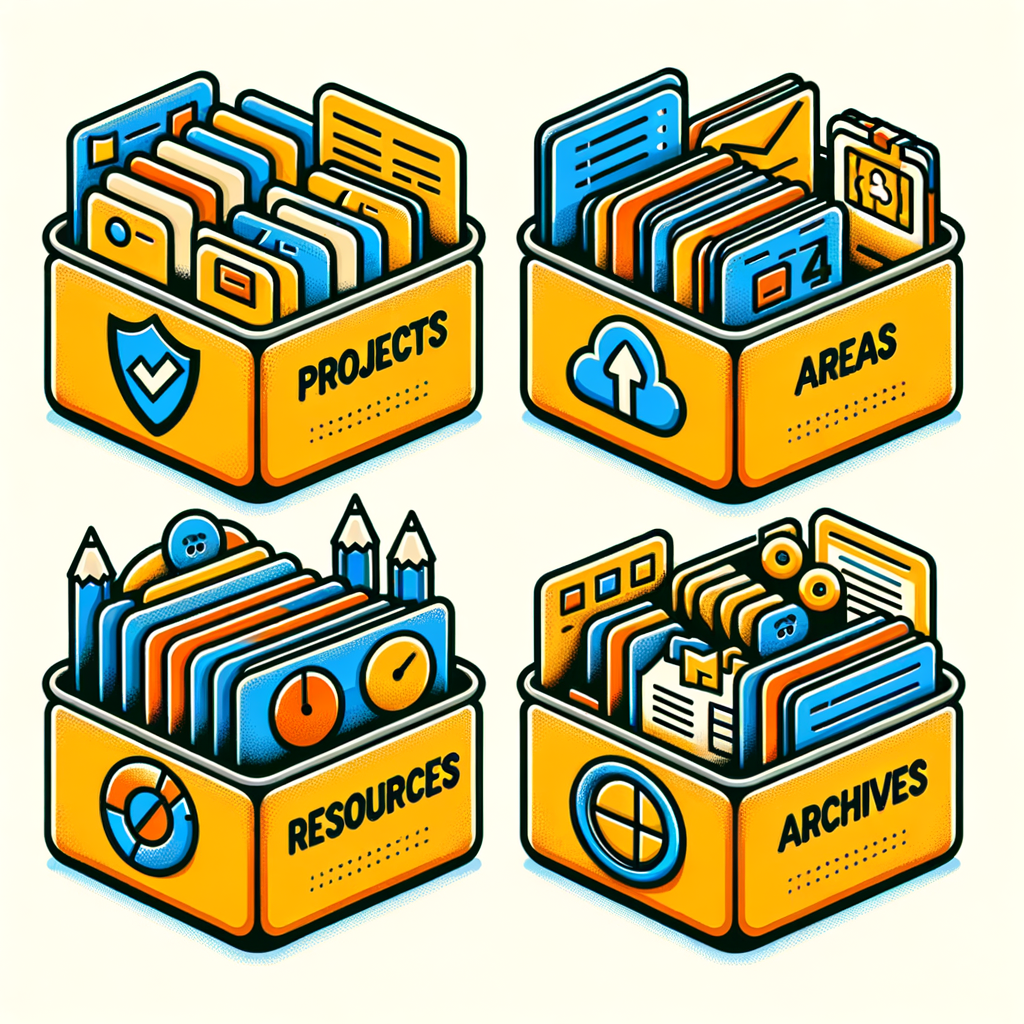
- Organize by actionability: Projects (time-bound outcomes) vs. Areas (ongoing responsibilities) vs. Resources (reference) vs. Archives (inactive).
- Use the same PARA structure everywhere you store information (drive, notes app, email, project tools) to reduce context-switching.
- Keep Projects lists short and ruthless; move completed, paused, or “someday” items to Archives instead of letting them clutter active work.
- Maintain information with a lightweight cadence: regularly refile, prune, and archive so search and browsing stay fast.
Strategic Actions:
- Define your active Projects as concrete outcomes with an end date.
- List your Areas as ongoing responsibilities that must be maintained to a standard.
- Create a Resources section for reference material you may reuse, not active work.
- Set up an Archives section for anything inactive, completed, or paused.
- Implement the same PARA structure across your primary tools (files, notes, cloud storage, task/project systems).
- Move items between Projects, Areas, Resources, and Archives as their status changes.
- Run a simple weekly review to close loops, refile loose notes, and archive finished work.
Dive deeper > Full Story:
The Bottom Line:
- Disorganized files and notes quietly tax execution by slowing decisions and rework.
- Standardize your digital organization around Projects, Areas, Resources, and Archives, then set a simple weekly review to keep everything current and findable.
Ready to Explore More?
If your team is drowning in folders, shared drives, and scattered notes, we can help you standardize a PARA-style structure across your tools and workflows. Reply if you want a quick walkthrough and a rollout plan that fits how you operate.